
Engineering & AI
Twenty CRM for developers: from first contact to handoff
Use Twenty CRM to track prospects, assign sales follow-ups, and hand won deals over to the delivery team.
Summary
- Manage the customer lifecycle from first contact through proposal, close, and handoff.
- See which prospects need a follow-up with an owner, activity history, and a next task on each deal.
- Configure one sample sales workflow for sales and delivery to test together.
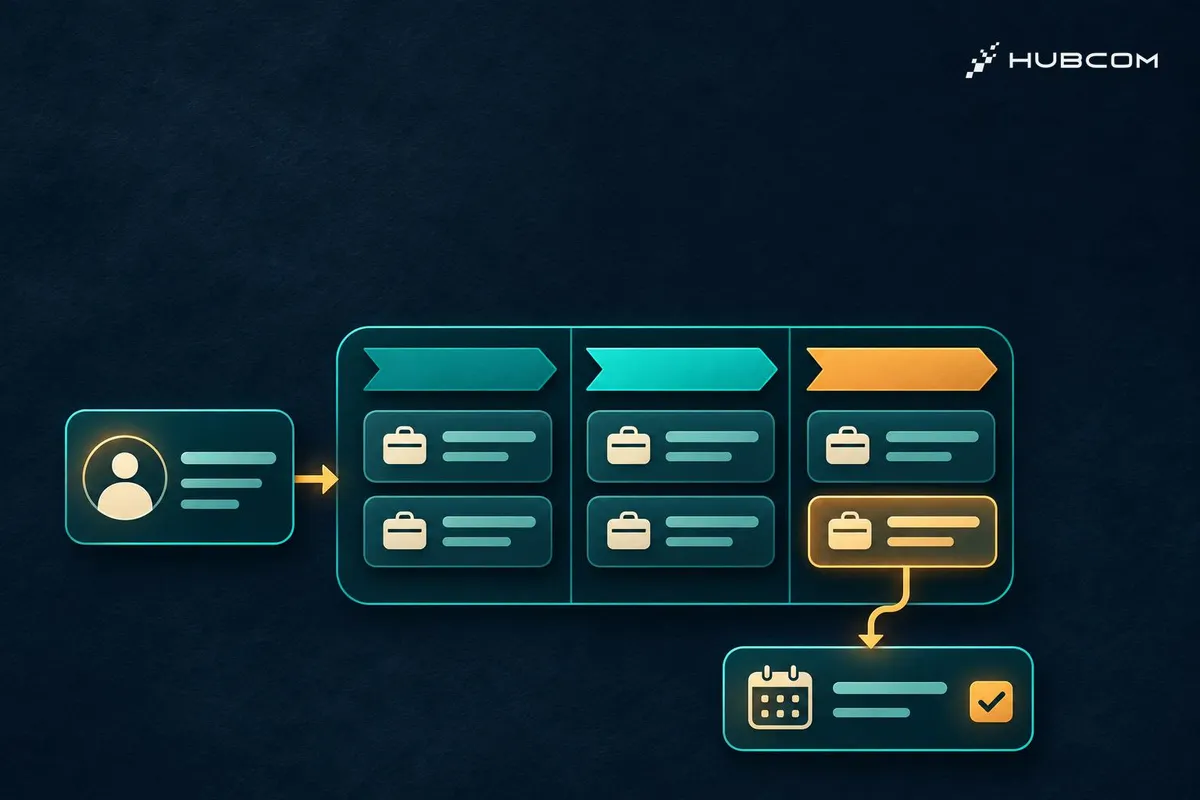
After sending a proposal, sales needs to know who should follow up, when it is due, and what the customer said last time. Twenty is an open-source CRM that keeps that context with the customer record, so the team can track the deal through close and hand it over to delivery.
What does Twenty solve for sales?
- At first contact: link the person to their company so the team can revisit the conversation later.
- During the deal: track the sales stage, expected value, and close date. Once the proposal goes out, assign a follow-up task with a due date.
- After close: give delivery a record of the customer, what was agreed, and who owns the next step.
Timely follow-ups can reduce the risk of deals slipping through the cracks. To see whether that helps revenue, track both on-time follow-ups and the win rate. Lead quality, pricing, and the sales conversation also affect the win rate. Twenty CRM features
Who should try Twenty?
B2B sales teams with a clear process for discovery, proposals, and handoff have a good starting point. The sales lead defines the stages and checks which deals need attention. A developer or CRM administrator configures the fields, access rules, and reminders that support the process.
Elevate Consulting offers a real example. In a case study published by Twenty, the firm describes using Twenty to manage customers and opportunities. Its API integration lets the team set up work across four tools in one action when a proposal is won. Elevate Consulting case study
What should developers configure?
- Build an opportunity board. Use Company, Person, and Opportunity, with stages such as New, In discussion, Proposal sent, and Won. Link each deal to the company, contact, and owner. Twenty data model
- Schedule the follow-up. Try a workflow that runs when the deal moves to Proposal sent. Assign a follow-up to the deal owner, due on a date agreed with sales. Workflows documentation
- Hand off won deals. Create a task for delivery with the details they need to get started. If they use a separate project management tool, consider an API integration once the handoff works inside Twenty. API documentation
Teams that need self-hosting can set up a test environment with Docker Compose and pin the release. Docker Compose guide
Take one deal through the whole workflow
Create a sample customer and ask a rep to open a deal, send a test proposal, receive the follow-up task, and mark the deal as won. Ask the person receiving the handoff to open the record and check whether they have enough information to start.
Preparing the AI agent
Give the agent the pinned version, a map of sales stages, synthetic customer records, and assignment rules. Ask it to record when each workflow should run, who receives the task, and the outcome of each test. Use a test environment and keep credentials out of the report.
Common pitfalls and checks
- One deal creates several reminders. Edit a note after the proposal has gone out. Check that the workflow only runs on the intended stage change.
- A reminder has no owner. Check that the assigned rep sees the task, its deadline, and a link to the customer record.
- Delivery still has to ask sales for details. Have delivery check the customer contact, agreed scope, and first action.
Review scope
This review draws on the Twenty v2.59.0 repository and documentation, checked on November 21, 2026. HubCom has yet to run the sample workflow. Pricing rules, quote approval, and a full CRM migration need separate evaluation. v2.59.0 release
Terms in this article (3)
- Twenty CRM
- An open-source CRM for customer records, sales opportunities, and tasks.
- Sales pipeline
- A board that tracks opportunities by stage, from first contact through close.
- Workflow
- A rule that runs an action after an event, such as assigning a task when a deal changes stage.
Frequently asked questions
Does sales need a developer to use Twenty?
Sales can create records, manage deals, and assign tasks in Twenty. Developers can help with integrations or self-hosting.
How can I tell whether the CRM is helping?
Start by tracking on-time follow-ups and deals with no next action. Check the win rate once there is enough data for a meaningful comparison.
Sources
- Twenty repository, Twenty
- Twenty v2.59.0, Twenty
- Twenty CRM features, Twenty
- Elevate Consulting case study, Twenty
- Twenty data model, Twenty
- Twenty workflows, Twenty
- Twenty API, Twenty
- Twenty Docker Compose, Twenty