
Engineering & AI
Audit your app before submission with App Store Compliance
App Store Compliance scans iOS and Android source code and helps you verify demo access and data disclosures before submitting to either store.
Summary
- App Store Compliance flags source-code risks and helps you review the submission before sending an app to the App Store or Google Play.
- Run the guard for ranked findings. Use the checklist for checks that require the release build or a store console.
- For an app with sign-in and analytics, test demo access on the build you plan to submit and compare SDK behavior with the store disclosure.
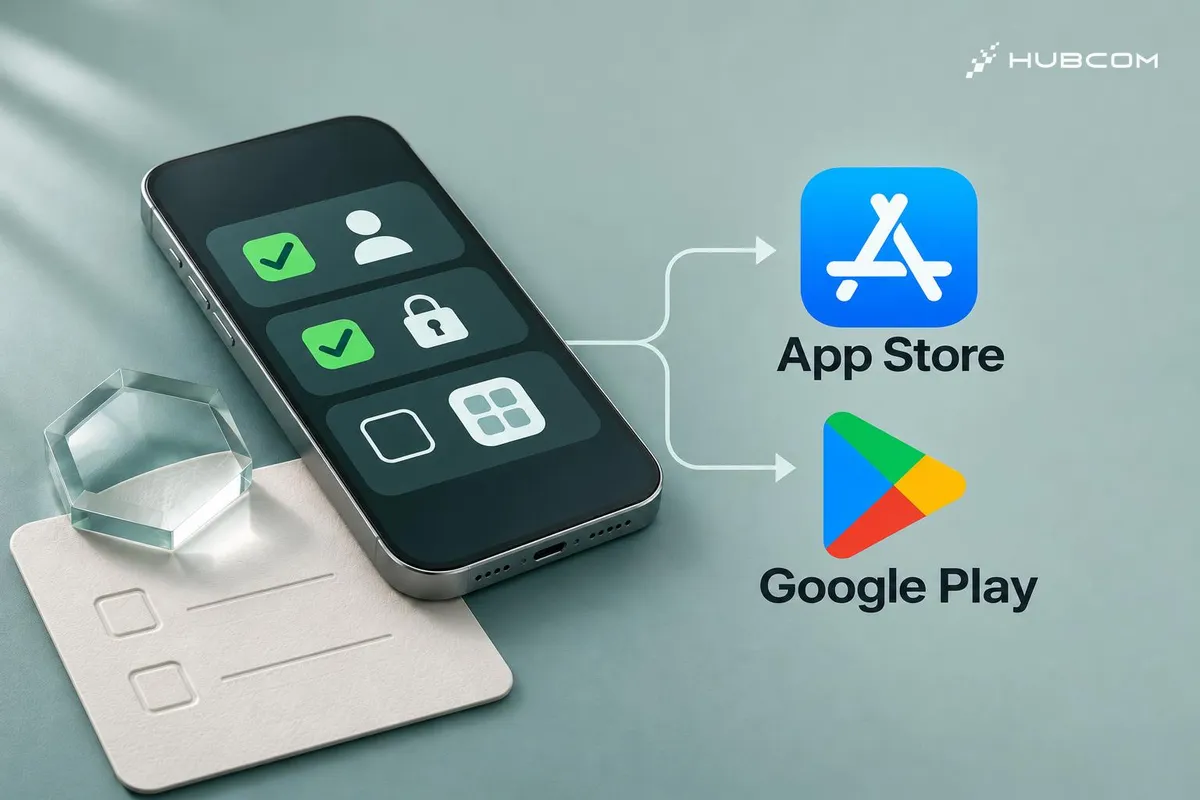
Before submitting an app with sign-in and an analytics SDK, verify that reviewers can get in and that the store disclosure describes the data the app collects. With App Store Compliance, you can have an AI agent scan the code and list the items the release owner needs to verify. README v2.4.0
HubCom reviewed the public documentation for v2.4.0 on November 21, 2026. We have yet to run the exercise below or use this repository on a client project.
What does it solve?
- Find the issues you can fix before submission. The report gives you a severity and a code location where available.
- Give manual checks an owner. The release team knows who needs to test the demo account and who needs to verify the data disclosures.
Features
- The guard is a Bash script you can run directly against iOS or Android source code.
- The checklist and AI skill guide an agent through the submission review, severity ratings, and proposed fixes. Checklist · AI skill
When to use it
Try it on your first release with sign-in. Repeat the checks when you add or reconfigure an analytics SDK because the change can affect your data disclosures.
What to watch for
CLEAR means the guard found zero critical risks in the files it scanned. With NOT CHECKED, check the project path and whether the temporary directory is writable. Submission readiness still depends on the build, your submission details, and each store's current rules. README v2.4.0
Trial setup
Pick an iOS or Android app with sign-in and one analytics SDK. Give the agent the source path, the SDK name and version, and an extract of the store's data form. The release owner keeps the credentials and tests the demo account.
Steps
Get v2.4.0 with git clone --branch v2.4.0 --depth 1 https://github.com/mjmirza/app-store-compliance.git.
- Scan the source. Run
bash app-store-compliance/agent-os/hooks/app-store-compliance-guard.sh "/path/to/your/app"with the path to your project directory. README v2.4.0 - Compare data disclosures. Ask the agent for a table of data types, purposes, and evidence from the SDK configuration. Confirm the behavior in the build you plan to submit, then compare it with App Privacy or Data safety. Apple App Privacy · Google Play Data safety
- Test reviewer access. Follow the instructions you plan to send reviewers. Sign in from a fresh install and open a feature that requires authentication. Apple App Review Guidelines, section 2.1 · Google Play App content
Common mistakes
- Copying the SDK's sample disclosure. Check which SDK features and settings are active in your build.
- Testing from an existing session. Start from a fresh install to see what the reviewer will see.
How to verify the result
- Each finding has evidence. Record the file, line number if available, and relevant policy. Assign an owner to items that still need verification.
- Both manual checks have a record. Keep the demo access test result and the data comparison the release owner verified.
Out of scope
Configuring a blocking submission hook, responding to a rejection, and assessing market-specific legal obligations.
Terms in this article (4)
- App Store Compliance
- A repository with a source scanner, a submission checklist, and instructions for AI agents auditing iOS or Android apps.
- App Privacy
- The App Store Connect disclosure describing how the app and third-party partners handle data.
- Data safety
- The Play Console disclosure covering how the app collects, shares, and protects data.
- Analytics SDK
- A library integrated into an app to measure usage and in-app events.
Frequently asked questions
Do I need to install the AI skill for a one-time scan?
You can run the Bash guard from a copy of the repo. The skill helps an agent organize findings and guide the manual checks.
What should I check after the guard reports CLEAR?
Confirm that a reviewer can reach features that require sign-in and that the store disclosure matches the data the app actually collects.
Sources
- App Store Compliance v2.4.0, mjmirza
- App Store Compliance README v2.4.0, mjmirza
- Pre-submission checklist, mjmirza
- App Store Compliance Audit skill, mjmirza
- App Store Review Guidelines, section 2.1, Apple
- App privacy details, Apple
- Prepare your app for review, Google
- Provide information for Google Play's Data safety section, Google