
Engineering & AI
Stickman Video Director turns scripts into stick-figure videos
Stickman Video Director turns a script into a stick-figure video and lets you review a narrated, captioned 20-second opening before the full render.
Summary
- Stickman Video Director helps turn a script into a stick-figure video with narration and captions.
- Model Engine plans shots and supplies prompts. Code Engine animates layers and renders locally.
- With Code Engine, review the first 20 seconds with sound before producing the rest.
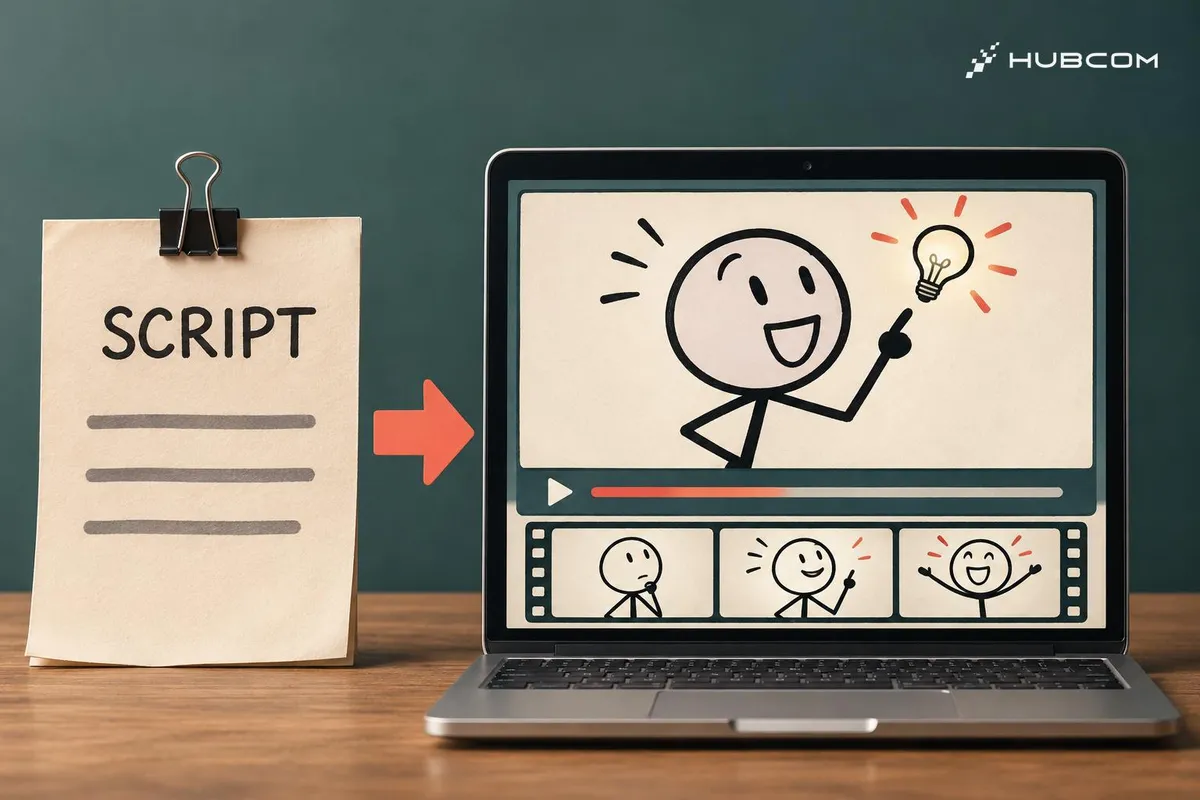
If you already have a script that explains an idea, Stickman Video Director can turn it into narrated stick-figure scenes. This walkthrough uses Code Engine to preview an opening so you can adjust pacing, movement, and captions before producing the full video. README
HubCom reviewed the documentation and public samples for v2026.11.18 on November 21, 2026. We have yet to render the exercise below or use this skill on a client project.
What does it solve?
- Give an explanation an action. The agent turns each idea into a scene with a character, prop, or diagram to follow.
- Review the opening first. A preview with picture and sound lets you identify the scene or line that needs work.
Features
- Model Engine (A) produces a storyboard and prompts for each shot. Use a video model to generate the clips, then assemble them.
- Code Engine (B) animates layered artwork with code, combines it with narration, captions, and sound, and renders locally. README

When to use it
Choose A when you need continuous motion or camera work generated by a video model. Try B1 for an explainer built around simple line art when you want precise control over when elements appear. B1 documentation
What to watch for
- Set up the B1 runtime. Code Engine needs Node.js 20+, FFmpeg, and FFprobe. You configure the image and narration tools, which may have their own costs.
- Run the local check. From the installed skill folder, run
node scripts/autopilot.mjs doctor. Separately verify that image generation and narration are available. Code Engine documentation
Trial setup
Prepare a script for a roughly one-minute landscape video about batching notifications before a focus session. Ask the agent to make the first 20 seconds in B1. Open with a buzzing phone, then show the stick figure swipe away a notification when the narration describes that action.
Steps
- Install the skill. Download the release package and install the
directing-stickman-videosfolder for an agent with file and terminal access. v2026.11.18 release - Review the script and opening. Ask for B1, 16:9, Vietnamese narration, and short phrase captions. Watch the 20-second preview with sound and note the timestamps that need changes. Code Engine workflow
- Produce the rest. After approving the opening, ask the agent to keep the approved voice and drawing style when rendering the full video. README
Common mistakes
- Zooming on a still frame. Ask for hand, phone, or facial movement that supports the spoken idea.
- Captions cover the action. Watch the notification swipe at phone size. B1 documentation
How to verify the result
- Check timing. The notification swipe happens when the narration mentions it.
- Listen for the line. The buzz is brief and quiet enough to hear the narration clearly.
- Play the MP4. Open the export, watch the full preview, and compare the captions with the speech.
Out of scope
Generating clips with Mode A's video services and publishing to YouTube.
Terms in this article (4)
- Stickman Video Director
- A skill that guides an agent through turning a script into stick-figure scenes and assembling a video in the selected mode.
- Storyboard
- A shot-by-shot outline of the visuals and actions in sequence.
- Code Engine
- The mode that uses code to animate and combine images and sound for local rendering.
- B1 Minimal Line Art
- A Code Engine style using simple hand-drawn lines, short text, and targeted movement.
Frequently asked questions
Does Code Engine need credits from a video generation model?
B1 animates artwork with code and renders locally. Image and narration tools can still carry their own costs.
Where can I watch the B1 sample with audio?
Play the MP4 published alongside the B1 documentation to hear the narration and effects. The GIF in this article is a visual preview.
Sources
- Stickman Video Director README, kaomei
- v2026.11.18 release, kaomei
- Code Engine workflow, kaomei
- B1 Minimal Line Art, kaomei
- B1 sample with audio, kaomei