
Engineering & AI
OpenMotion builds HTML product demos you can revise scene by scene
OpenMotion lets an AI agent build an HTML product demo so you can replace a recording, adjust cuts, and export a new MP4 from the same project.
Summary
- OpenMotion keeps your demo editable as an HTML project so you can replace a scene and export another MP4.
- The AI agent builds scenes in code. You review layout and pacing in Studio.
- Try swapping the middle scene in a 12-second demo and compare the two approved scenes.
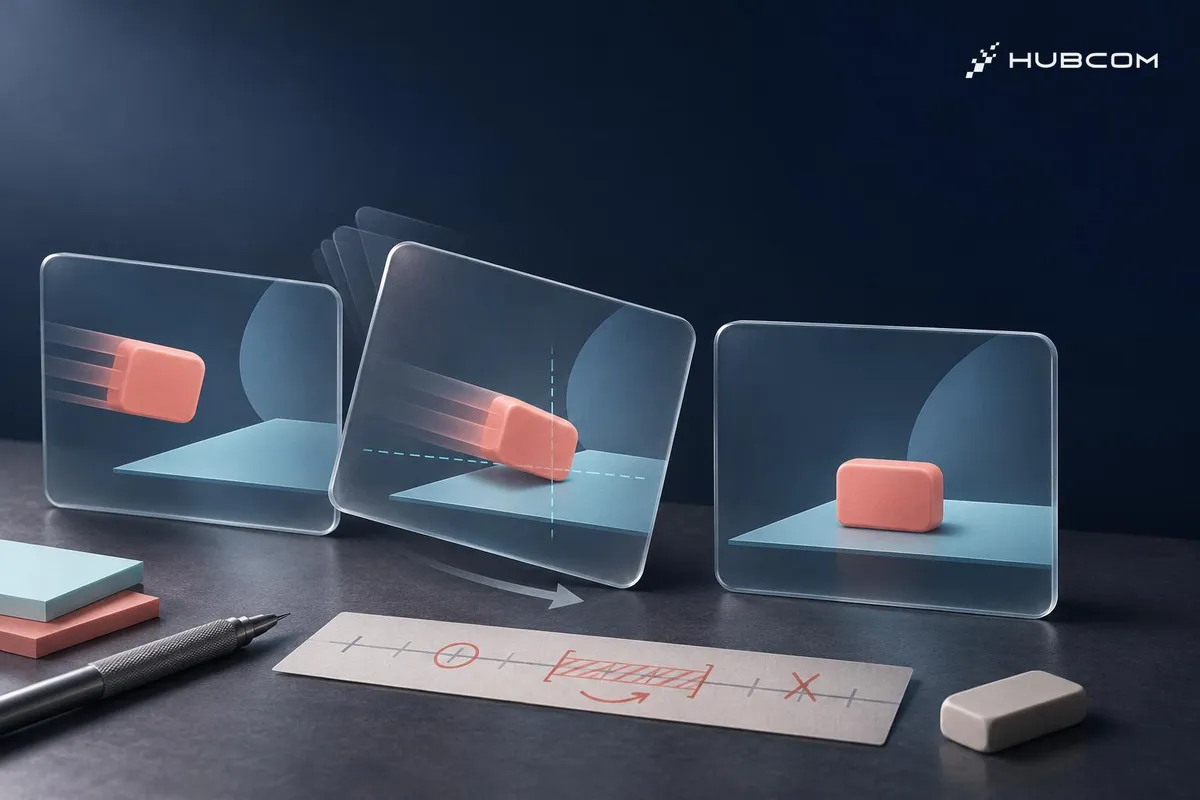
When a product workflow changes, you may need to replace one recording while keeping an approved opening and ending. OpenMotion lets an AI agent swap the scene in the HTML project so you can review the cut on the timeline and export a fresh MP4. v0.2.0 README
HubCom reviewed OpenMotion v0.2.0 on November 21, 2026, using the project documentation. We have yet to run this trial or use OpenMotion on a client project.
What does it solve?
- Revise after review. Keep text, motion, and screen recordings as separate pieces so the agent can change the scene you specify.
- Keep the source for later. Save the HTML, CSS, JavaScript, and media alongside the approved MP4.
Features
- Motion.md records shot order, timing, and transitions for the agent to follow.
- Studio lets you preview the video, arrange clips on a timeline, and export MP4. v0.2.0 README
When to use it
- Demos that change with releases. Reuse the layout when you rerecord a product workflow.
- Text- or graphics-heavy videos. Keep titles, callouts, and charts editable for later revisions.
What to check first
- Installing the Skill and connecting the tools are separate steps. The Skill adds instructions for the agent. To call project tools through MCP, set up Studio and follow the connection guide for your agent. Installation guide
- Existing assets are enough for this trial. If you need to generate images, video, or audio, check the provider account or API key before sending reference material. Model Gateway documentation
Set up a trial
Prepare two recordings of the same workflow, a logo, and a closing line. Ask the agent to make a 12-second landscape demo with a title from 0–2 seconds, the workflow from 2–9 seconds, and the closing line from 9–12 seconds. Make both recordings long enough to preserve the cut points when you swap them.
Run the trial
- Set up and connect OpenMotion using the v0.2.0 instructions. When running from source, check that Chrome or Chromium, FFmpeg, and ffprobe are available for preview, export, and verification. Runtime guide
- Build the first cut from supplied assets. Ask the agent to keep the title and closing line as separate text layers. Open the cut in Studio and export the first MP4.
- Replace only the scene from 2 to 9 seconds. Give the agent the second recording, keep the other two scenes, and export again.
Common pitfalls
- Text baked into the recording. Put callouts you may need to change on a project text layer.
- Signing off in Studio alone. Play the exported MP4 on the review device to check the picture and fonts.
Check the result
- Compare both MP4s. Check the opening and ending at matching timecodes for unintended changes.
- Inspect the middle scene. Confirm the full new action is visible and the video still runs for 12 seconds.
- Reopen the project. Confirm Studio can still read the recordings and text layers for another edit.
Out of scope
Generating footage with a video model, creating voiceovers, and recreating third-party reference videos.
Terms in this article (4)
- OpenMotion
- An open-source tool for AI agents to build videos in HTML, edit them in Studio, and export MP4s.
- Motion.md
- A Markdown document describing shot order, duration, and transitions.
- MCP
- A protocol that lets an AI agent call external tools, such as opening an OpenMotion project or requesting an export.
- Timeline
- An editing view that shows when each clip or layer starts and ends.
Frequently asked questions
Can OpenMotion export MP4 and keep the project editable?
Yes. Export from Studio and keep the HTML, CSS, JavaScript, and source assets for your next revision.
Does this trial require a video generation API key?
You can complete it with existing recordings and graphics. If you call a model to generate more media, access and costs depend on the provider and configuration.
Sources
- OpenMotion README v0.2.0, nexu-io
- OpenMotion v0.2.0, nexu-io
- OpenMotion installation, nexu-io
- OpenMotion runtime and usage, nexu-io
- OpenMotion Model Gateway, nexu-io