
Engineering & AI
Create a Vietnamese reading voice with Spark-TTS on Colab
Use your own recordings to try creating a Vietnamese reading voice with Spark-TTS and Unsloth on Colab, without a GPU of your own.
Summary
- Use recordings and matching transcripts to try creating a Vietnamese reading voice on Colab.
- Listen to the base Spark-TTS model first, then run LoRA on a small sample.
- Compare voice similarity and pronunciation on the same new sentences. Save the fine-tuned adapter to try it again in a fresh runtime.
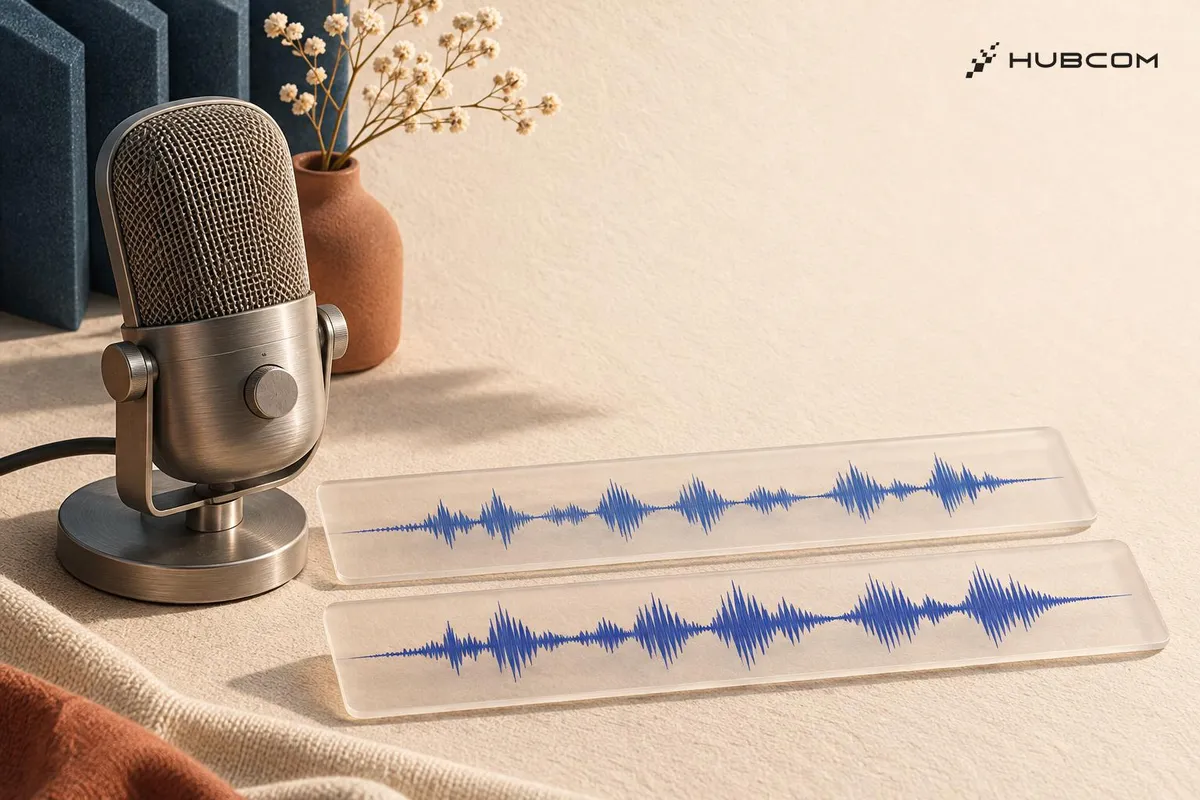
You want to narrate a story or prototype a Vietnamese voice assistant in your own voice, but your computer has no GPU for fine-tuning. Mì AI’s notebook lets you try fine-tuning Spark-TTS with Unsloth on Colab using your recordings and their transcripts, then hear the model read sentences you never recorded.
1. Listen to the base model read Vietnamese
Open Mì AI’s notebook, select a GPU in Colab, and run the Spark-TTS 0.5B generation section. Save the recordings for comparison. Try sentences with confusable tones, proper names, or numbers. Note wrong tones, skipped syllables, and misplaced pauses. Practice notebook
2. Prepare your recordings and try LoRA
Mì AI’s notebook uses up to 2,000 recording–transcript pairs from infore1_25hours. To try it with your own voice, replace the sample data with your recordings, pairing each file with exactly what you said. Run a few pairs first to check that the notebook can read your data. Set aside new sentences for the listening test. Practice source
Check that the assigned GPU completes the short run and that you can save the adapter and tokenizer outside the session. Free GPU limits and session duration can vary. Colab resource limits
3. Compare pronunciation on the same new sentences
Listen to both versions read the held-out sentences. Compare the voices with your recordings, then note wrong tones, skipped syllables, and misplaced pauses. For example, check whether the model clearly distinguishes the tones in “mã” and “mạ”. The demo uses controllable for the base model and tts for the fine-tuned model. Match the mode and generation settings when both versions support them to isolate the effect of LoRA. Practice source
Check by opening a fresh runtime, reloading the adapter with the matching base model and BiCodec, and repeating a sentence that exposed an error in step 1. The model card lists a noncommercial license. Unsloth model card
Preparing the AI agent
Provide the notebook and base model version, a list of authorized audio–transcript pairs, the held-out sentences, and an error log template. Ask the agent to save the settings with the adapter so the run can be repeated.
Terms in this article (5)
- Spark-TTS 0.5B
- The text-to-speech model used in Mì AI's notebook.
- Unsloth
- A library for fine-tuning models, used in the demo to add and train a LoRA adapter.
- LoRA
- A fine-tuning technique that learns extra weights, called an adapter, while keeping the base weights fixed.
- BiCodec
- Spark-TTS's codec for converting between audio and the tokens the model processes.
- Google Colab
- A service for running notebooks in the browser that can provide a GPU for an experiment.
Frequently asked questions
Will it always run on free Colab?
Colab offers free GPUs when resources are available. The GPU type, usage limits, and session duration can vary.
Can the saved LoRA file run on its own?
The notebook saves an adapter and tokenizer. Reloading also requires the matching base model and BiCodec to decode the audio.
Can I use this version of Spark-TTS for clients?
The current model card lists a noncommercial license. Confirm appropriate usage rights or choose a model with a commercial-use license.
Sources
- Mì AI video walkthrough, Mì AI
- Vietnamese Spark-TTS demo source, Mì AI
- Practice notebook on Colab, Mì AI
- Spark-TTS 0.5B on Hugging Face, Unsloth
- TTS fine-tuning guide, Unsloth
- infore1_25hours, doof-ferb
- Colab FAQ, Google